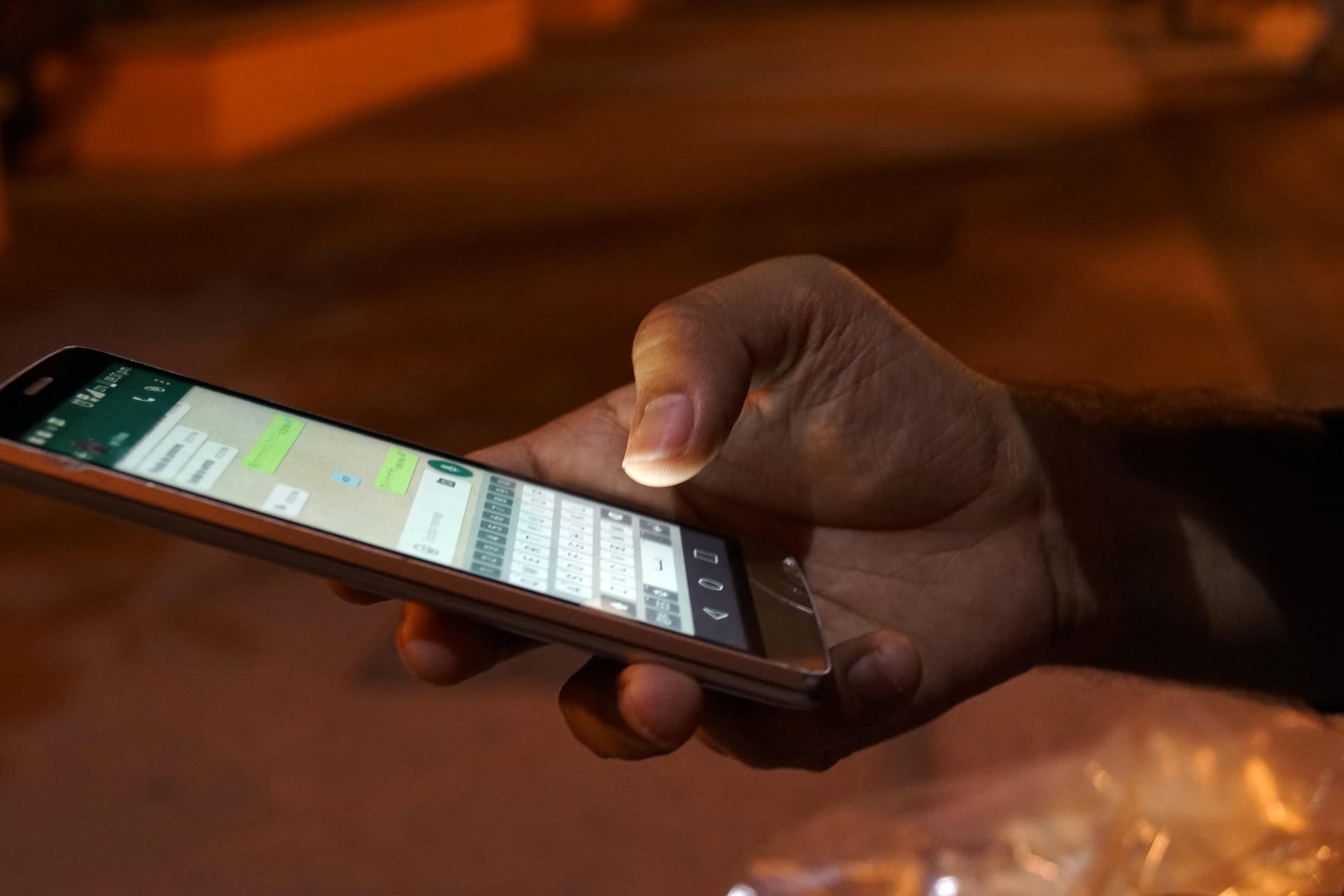

Agar aap soch rahe ho ki WhatsApp ka screenshot lena hi proof hota hai, to ho sakta hai aap ab tak galat tareeke se screenshot lete aa rahe ho.
Har WhatsApp screenshot kaam ka nahi hota. Par haan — sahi tareeke se liya gaya screenshot legally valid maana ja sakta hai. Sawal sirf itna hai: kya aapko WhatsApp screenshots lene ka sahi tarika pata hai?
Hum sabke life me kabhi na kabhi aisa moment aata hi hai jab hume andar se feel ho jata hai ki kuch gadbad ho sakti hai.
Koi WhatsApp message thoda zyada aggressive ho jata hai, koi threat jaisa lagta hai, ya koi baat future me problem ban sakti hai. Aur instinctively hum kya karte hain? Screenshot.
“Safety ke liye rakh leta hoon.”
“Baad me kaam aa sakta hai.”
Ye soch bilkul sahi hai. Problem yeh hai ki hum screenshot to le lete hain, par sahi tareeke se nahi. Aur jab baad me us screenshot ki zarurat padti hai, tab pata chalta hai — ye to kisi kaam ka hi nahi hai.
So, agar aap WhatsApp ya kisi bhi chat app ka screenshot le rahe ho, to use thoda smart tareeke se lo, taaki wo sirf photo nahi, balki credible proof ban sake.
Toh, kya he WhatsApp screenshots lene ka sahi tarika, aage padhiye.
Sabse Common Galti: Screenshot lete waqt Contact Name Saved rehna
90% log yahin galti karte hain. Screenshot lete waqt ye check nhi karte ki contact name saved he. Aur humare phone me contacts kuch is tarah save hote hain:
- Boss
- Landlord
- Client
- XYZ Bhaiya
- My Love
Ab socho. Agar aap screenshot lete ho jisme upar likha hai “Boss”, to koi bhi ye sawal pooch sakta hai:
“Boss kaun?”
“Kaunsa Boss?”
“Kis number se message aaya?”
Sach ye hai ki koi bhi kisi bhi number ko ‘Boss’ save kar sakta hai. Isliye sirf naam dikhna strong proof nahi hota. Identity expose karna hota he.
Isiliye,
#1 Screenshot lene se pehle Contact unsave karo
Right. WhatsApp screenshots lene ka sahi tarika hi ye he ki screenshots lene se pehle Contact ko unsave karna he. Iske liye appko ye steps karne honge.
- Contact list me jao
- Us person ka naam delete / unsave karo
- WhatsApp band karo
- Phir WhatsApp dobara open karo
Ab kya hoga?
WhatsApp upar naam ki jagah full phone number (country code ke saath) dikhayega, jaise:
+91 9XXXXXXXXX
📌 Ye ek chhoti si cheez hai, par difference kaafi bada hai. Isse identity reveal hoti he. Ye number to jarur us byakti k nam pe hi registered hoga. He na?
#2 Sirf ek Message ka Screenshot mat lo
Ye bhi ek common mistake hai. Log sirf wahi message ka screenshot lete hain jo:
- unke favour me ho
- ya jisme gussa, threat ya problem ho
Par sach ye hai: Aadha context hamesha doubt create karta hai.
Better ye hai ki:
- Message se pehle ke 2–3 chats bhi dikh jaayein
- Message ke baad ka reply bhi ho
- Date aur time clearly visible ho
Isse conversation natural aur real lagti hai.
#3 Profile page ka screenshot – optional, par useful
Agar aap thoda aur safe rehna chahte ho:
- Chat ke upar jo number dikh raha hai, uspe tap karo
- Profile open karo
- Ek screenshot le lo jisme:
- Number
- About section
- Profile photo (agar ho)
Ye sirf extra clarity ke liye hota hai. Koi compulsion nahi, par helpful hai.
#4 Screenshots ke saath ek aur Smart Step
Sirf photo rakhna hi kaafi nahi hota. WhatsApp me ek option hota hai Export Chat ka.
- Chat open karo
- 3 dots pe click
- More → Export Chat
- “Without Media” select karo
Isse ek text file ban jati hai jisme:
- poori conversation
- dates
- time sab hota hai
Ye future me kaafi kaam aa sakta hai.
#5 Par Law kya kehta hai, kya he WhatsApp Screenshots lene ka Sahi Tarika?
Main lawyer nahi hoon, aur ye koi legal advice bhi nahi hai. Par itna samajhna zaroori hai ki WhatsApp screenshots ko courts casually nahi lete.
India me jab baat digital cheezon ki aati hai — jaise:
- WhatsApp chats
- screenshots
- emails
- audio ya video
to law kehte hain: “Theek hai, par pehle ye batao ki ye asli hai ya nahi.”
Isi point par courts ne kaafi pehle hi clear kar diya tha ki random screenshots par seedha bharosa nahi kiya ja sakta.
🔹 Anvar P.V. v. P.K. Basheer (2014)
Supreme Court ne is case me bola tha ki:
Agar koi electronic cheez (jaise WhatsApp chat ya screenshot) court me dikhani hai, to sirf print ya photo kaafi nahi hota. Uski authenticity dikhani padti hai.
Is judgment ka matlab simple tha:
- Digital cheez easy hoti hai edit karna
- Isliye thoda extra care zaroori hai
🔹 Arjun Panditrao Khotkar v. Kailash Kushanrao Gorantyal (2020)
Is case me Supreme Court ne phir se repeat kiya:
Electronic records ko seriously tabhi liya ja sakta hai jab ye clear ho ki unke saath chedchad nahi hui hai.
Court ka focus yeh tha:
- Screenshot asli hai ya nahi
- Poora data hai ya sirf selected part
Naya law bhi same direction me jaata hai
Ab India me Evidence Act ki jagah Bharatiya Sakshya Adhiniyam, 2023 (BSA) aa chuka hai.
Isme bhi digital evidence ke liye same thought hai:
- Electronic cheez important hai
- Par use lightly treat nahi kiya ja sakta
Iska matlab ye bilkul nahi hai ki WhatsApp screenshots bekaar hain. Iska matlab sirf itna hai ki:
Agar screenshot lena hi hai, to sahi tareeke se lo.
In 3 Legal Conditions Ko dyan rakhiye
WhatsApp screenshots lene ka sahi tarika jo court me v admisable ho:
1️⃣ Digital evidence ke liye proper certificate chahiye – pehle ise Section 65B kehte the, ab naye law me Section 63(4) of BSA ke under aata hai.
2️⃣ Serious cases me forensic authenticity certificate bhi liya ja sakta hai, jisse confirm ho ki screenshot ya chat edited nahi hai.
3️⃣ Metadata preserve karna zaroori hota hai – jaise date, time, phone number, original source aur dusri technical details, isliye original screenshot ko edit ya crop na karein.
Iska practical Matlab aap ke liye kya hai?
Simple language me bolun to:
- Naam dikh raha hai ya number? → farak padta hai
- Sirf ek line ya poori chat? → farak padta hai
- Cropped image ya clean screenshot? → farak padta hai
Courts ka approach bhi wahi hota hai: Mujhe convince karo ki ye cheez genuine hai.
Bas itna yaad rakhiye
Is article ka goal ye nahi hai ki aap court case lado ya law samjho. Bas WhatsApp screenshots lene ka sahi tarika shikhana he. Kyuki:
Aaj kal WhatsApp chats serious situations ka hissa ban sakti hain.
Aur jab ban jaati hain, tab screenshot lene ka tareeka bahut matter karta hai.
Conclusion
Agar aapko lagta hai ki koi online conversation future me problem ban sakti hai ya aap bas safe rehna chahte ho to panic mat karo. Bas yaad rakhiye humare is article ko aur isme jo mene WhatsApp screenshots lene ka sahi tarika sikhaya he:
- Contact unsave karna he
- Number dikhana he
- Poora context rakhna he
- Screenshots sambhal ke rakhna he
Plus, better safety k liye humare diye huwe do’s and dont’s k table ko download karke rakhiye.

Lastly, ye article kisi ko court case ladna nahi sikha raha. Bas WhatsApp screenshots lene ka sahi tarika sikhana hai. Thanks.
You May Also Like:
-> IMEI Number Kaise Block Kare Complete Guide
-> Switch Off Mobile Ki Location Kaise Pata Kare
Baki AI se related facts aur jankari k liye humare Tech Page ko checkout kijiye.
Disclaimer:
Ye article sirf general awareness ke liye hai. Kisi bhi serious legal situation me hamesha kisi qualified professional se baat karein.





Sahi he. Very useful tip.